
Blackview Triple Screen Extender Review 2026: Boost Your Productivity by 300%
Have you ever felt like your laptop screen was just too small for the work you needed to do?. We have all been there. You are trying to write an email, check a spreadsheet, and join a Zoom call all at the same time. You end up constantly switching between tabs and losing your place. This is what experts call the “single screen bottleneck”.
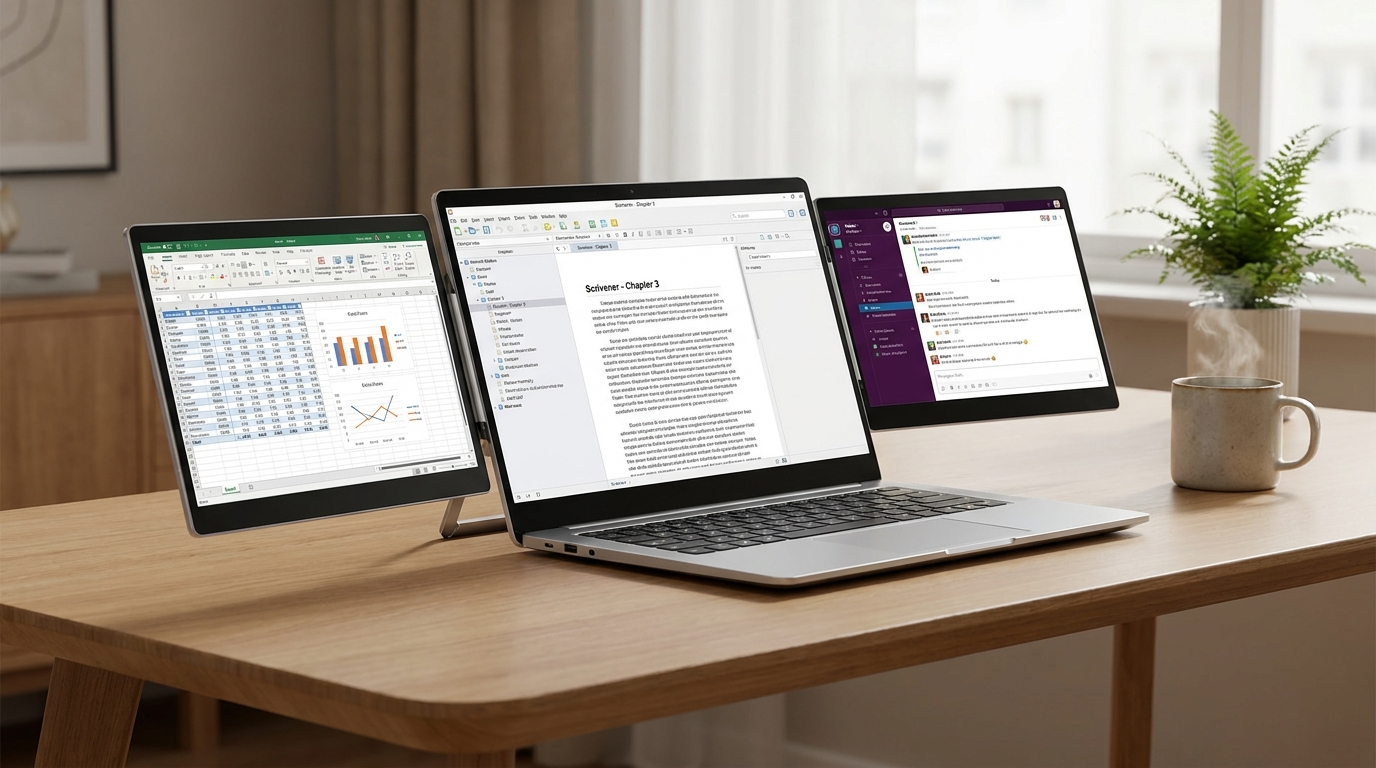
When you are at your desk, you might have a big monitor. But when you travel, your digital world shrinks down to one tiny 14-inch display. That is where the Blackview Triple Screen Extender comes in. It is a game-changer for remote workers, students, and digital nomads. This device clips onto your existing laptop and adds two extra screens on the sides. Suddenly, you have a triple-monitor workstation that fits right in your backpack.
In this deep dive, we are going to look at the top models for 2026, including the DCM8, DCM6, and DCM5. We will see how they work, why they help you get more done, and if they are worth your hard-earned money.
Welcome to TheGadgetNet!
Before we jump into the specs, we want to welcome you to www.thegadgetnet.com. We are a team of tech lovers who live for gadgets that make life easier. Whether you are a student on a budget or a CEO on the go, we test the gear so you don’t have to. At TheGadgetNet, we believe technology should work for you, not the other way around. If you enjoy reviews that tell it like it is, you are in the right place!
Why You Need More Screens: The Science of Productivity
It isn’t just a feeling—having more screens actually makes you smarter and faster at your job. Research from Wichita State University and the University of Utah shows that a dual or triple setup can boost productivity significantly.
For example, workers who moved from a single screen to a multi-monitor setup saw a 44% boost in productivity for writing tasks and a 29% rise for spreadsheet work. Imagine finishing your workday two hours early just because you didn’t have to click “Alt+Tab” a thousand times!.
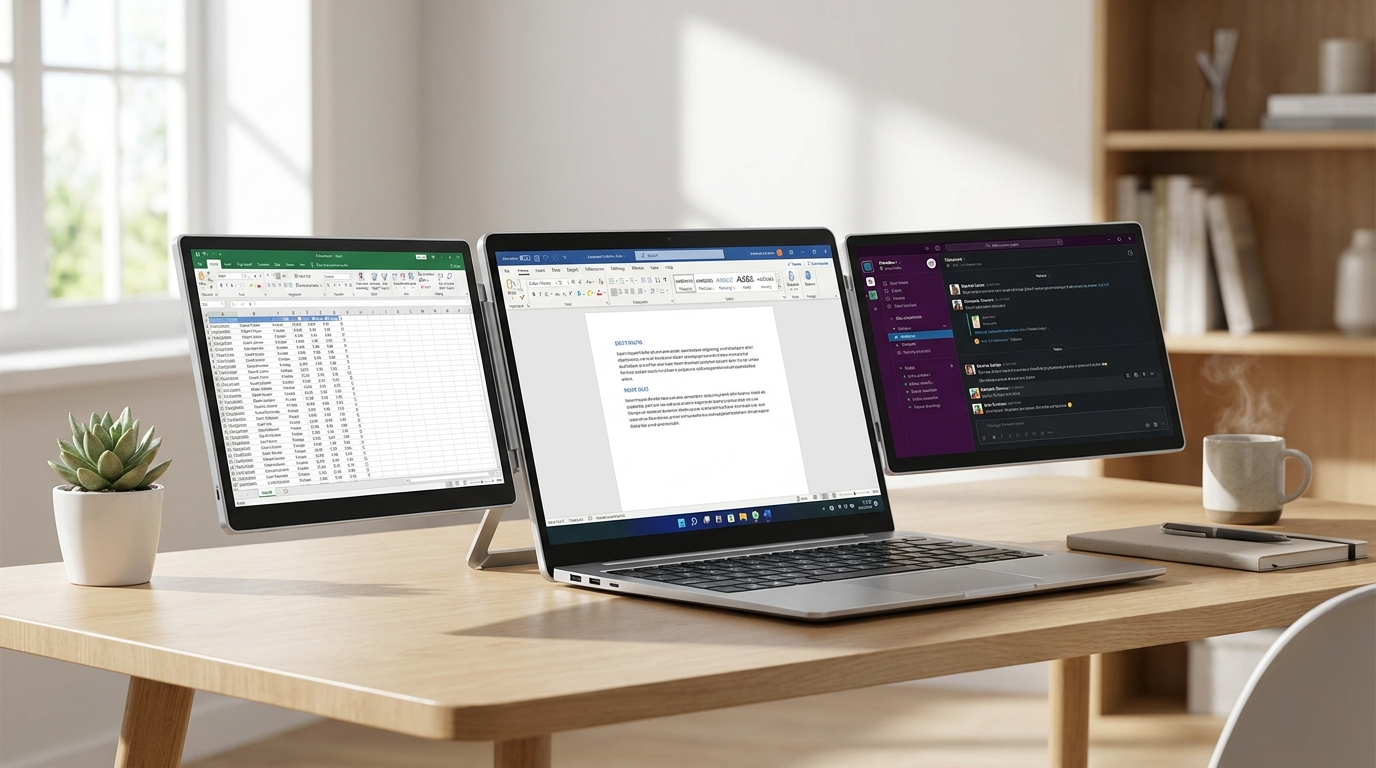
A Blackview Triple Screen Extender allows you to keep your main project in the center, your research on the left, and your communication tools (like Slack or Email) on the right. This layout reduces eye strain and keeps you focused on the task at hand.
The Lineup: Choosing the Best Blackview Triple Screen Extender
1. The Premium Powerhouse: Blackview DCM8 (15.6″)
If you want the best of the best, the Blackview DCM8 is the top choice for 2026. It features two large 15.6-inch displays that are incredibly thin—only 4.5mm.
- Better View: Most monitors use a 16:9 ratio, but the DCM8 uses a 16:10 aspect ratio. This gives you 11% more vertical space, which is a huge deal if you are writing code or looking at long spreadsheets.
- Pro Colors: It offers 100% sRGB color accuracy. This means it is good enough for photo editing and design work on the go.
- Reverse Charging: This is one of the coolest features. It supports 100W reverse charging. If you plug the monitor into a wall outlet, it can actually charge your laptop through the same cable.
- Eye Care: It is TÜV SÜD certified for low blue light, meaning your eyes won’t feel like they are burning after a 10-hour work session.
2. The Portable Professional: Blackview DCM6 (14.1″)
The DCM6 is the lighter, more compact brother of the DCM8. It uses 14.1-inch screens, making it perfect for smaller laptops between 13 and 17 inches.
- Ultra-Lightweight: It weighs about 2 pounds (960g to 1kg). Reviewers say it feels as light as a fashion magazine.
- Visual Clarity: You still get a Full HD 1080p resolution and a bright 300-nit screen.
- Flexibility: The screens can rotate up to 180 degrees. This is great if you want to show your screen to someone sitting across from you.
3. The Value King: Blackview DCM5 (14″)
If you are looking for a bargain, the DCM5 has recently hit record low prices on Amazon, sometimes dropping as low as $196 with coupons.
- Sturdy Build: It uses a galvanized steel shell that resists scratches and fingerprints.
- Gaming Ready: Not only is it great for work, but it also works perfectly with the Nintendo Switch. You can turn any coffee shop table into a gaming station.
- Universal Fit: It features reinforced springs and non-slip pads to grip laptops securely without wobbling.
Model Comparison Table
| Feature | Blackview DCM8 | Blackview DCM6 | Blackview DCM5 |
|---|---|---|---|
| Screen Size | 15.6 Inches | 14.1 Inches | 14.0 Inches |
| Resolution | 1920 x 1200 | 1920 x 1080 | 1920 x 1080 |
| Aspect Ratio | 16:10 (More space) | 16:9 | 16:9 |
| Weight | ~2.2 lbs (1kg) | ~2.2 lbs | ~3.0 lbs |
| Brightness | 300 Nits | 300 Nits | 300 Nits |
| Reverse Charge | Yes (100W) | No | No |
| Material | Aerospace Aluminum | Ultra-Slim Plastic/Alum | Galvanized Steel |
Step-by-Step Setup: From Box to Triple Screen in 60 Seconds
One of the best things about the Blackview Triple Screen Extender is that you don’t need a degree in computer science to set it up. It is truly “plug and play”.
- Unpack: Inside the box, you will find the extender, a protective case, and every cable you could possibly need (USB-C, HDMI, and USB-A).
- Mount: Gently pull out the mounting clips and secure the device to the top edge of your laptop screen.
- Support: Fold out the integrated kickstand on the back. This is very important! It prevents your laptop screen from drooping or falling backward under the weight of the new displays.
- Connect:
- Method 1 (USB-C): If your laptop has two “Full-Featured” USB-C ports, just run one cable to each screen. You’re done!.
- Method 2 (HDMI): If you have an older laptop, use the HDMI cable for video and a USB-A cable for power.
- Adjust: On Windows or Mac, go to “Display Settings” and click “Extend these displays.” You can even drag the icons to match which screen is on the left and which is on the right.
Pros and Cons: The Honest Truth
Pros:
- Instant Productivity: Users report being able to work “300% faster” because they can see all their apps at once.
- Ultra-Portable: It is incredibly thin (4.5mm) and fits in a standard laptop bag.
- No Drivers Needed: For most modern laptops, you just plug it in and it works immediately.
- Eye Protection: The TÜV SÜD certification actually works to reduce eye fatigue during long nights.
- Premium Build: The aerospace-grade aluminum feels high-end and matches modern MacBooks and high-end PCs.
Cons:
- Battery Drain: These screens take power from your laptop. If you aren’t plugged into a wall, your laptop battery will die much faster.
- Outdoor Use: At 300 nits, the screens can be hard to see in direct, bright sunlight. They work best indoors or in shaded areas.
- Weight: While light for what they are, adding 2-3 pounds to your laptop can make it feel heavy if you are using it on your lap rather than a table.
 The Verdict: Is it Worth It?
If you are a student, a programmer, a trader, or anyone who travels for work, the answer is a resounding YES. The Blackview Triple Screen Extender solves the biggest problem with mobile work—not having enough space to think.
The DCM8 is the best choice for professionals who want the extra height of the 16:10 screen. The DCM6 is the perfect middle-ground for most people, and the DCM5 is an unbeatable value when it is on sale.
Blackview even includes a 24-month warranty, which is twice as long as most other brands. This shows they really believe in their quality.
Frequently Asked Questions (FAQs)
Q: Will this work with my MacBook M1, M2, or M3? A: Yes! Blackview extenders are fully compatible with Apple’s M-series chips, as well as Windows, ChromeOS, and even Linux.
Q: Does it need a separate power outlet? A: Usually, no. It can draw power directly from your laptop via USB-C. However, if your laptop has older ports or you are using HDMI, you might need to plug in a 5V/2A power adapter (which is included).
Q: Can I use it for gaming? A: Yes, but keep in mind these are 60Hz displays. They are perfect for casual gaming or the Nintendo Switch, but they aren’t meant for professional, high-speed competitive gaming.
Q: Is it hard to carry around? A: Not at all. It folds flat and comes with a protective carrying case. It is designed to slide into your bag right next to your laptop.
Thank you for reading our guide! Don’t forget to visit www.thegadgetnet.com for more reviews, tips, and the latest tech deals. We help you stay ahead of the curve!

