
The 10 Best Foldable Bluetooth Keyboards 2026: Your Ultimate Digital Nomad Guide
Welcome to the future of remote work. If you are reading this at thegadgetnet.com, you probably already know that your “office” is wherever you decide to open your laptop today. Whether it is a sunny cafe in Lisbon, a cramped train seat in Japan, or a tiny hotel desk in New York, your gear needs to be as flexible as your schedule.
In 2026, the world of travel gear has changed. We no longer just look for “thin” devices; we look for “evolved” tools that protect our health and speed up our work. At thegadgetnet.com, we have spent years testing every gadget that hits the market so you don’t have to. Today, we are diving deep into the best foldable Bluetooth keyboards 2026 has to offer.
Why You Need a Portable Keyboard Now
You might ask, “Why carry an extra keyboard when my laptop already has one?” The answer is simple: Ergonomics. Using a laptop on a flat desk forces you to hunch over, which leads to neck pain and wrist strain.
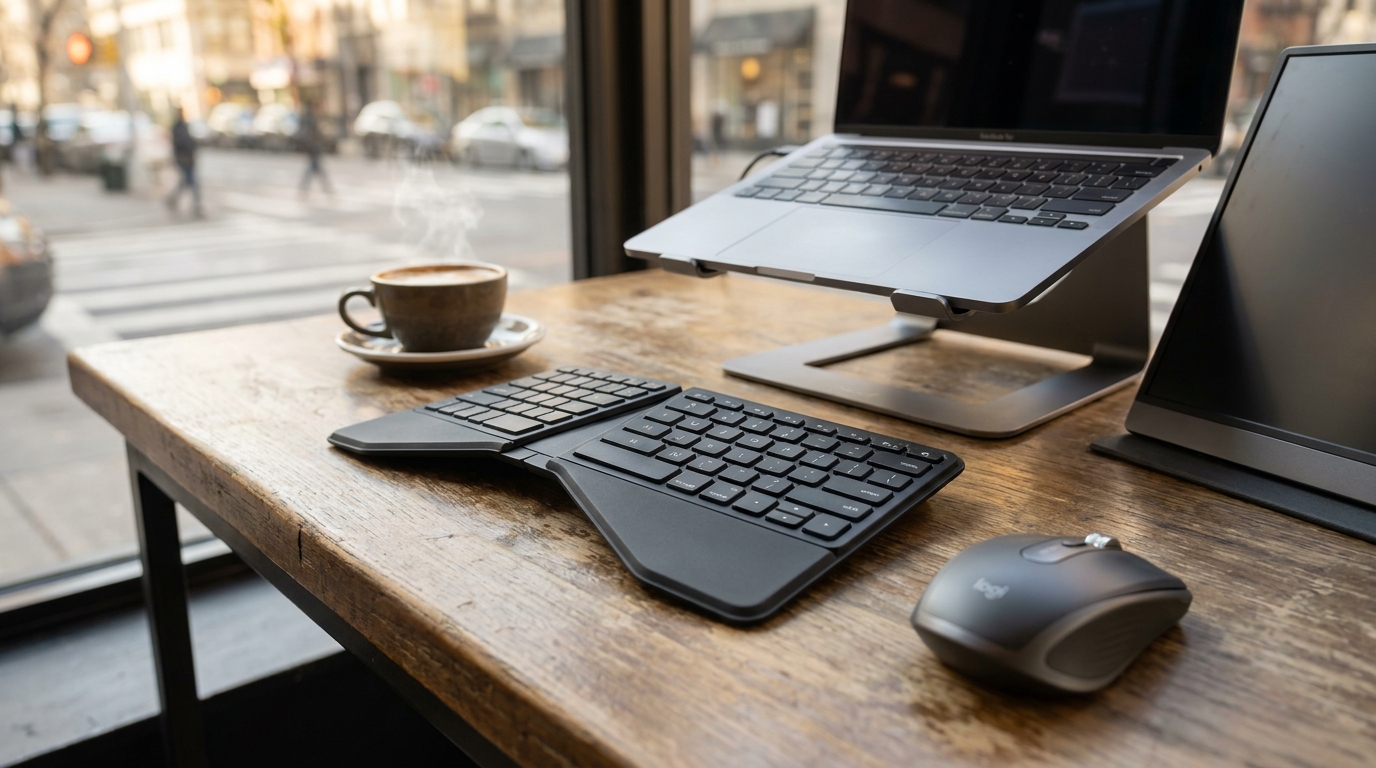
By using a separate, foldable keyboard, you can put your laptop on a stand—like the famous Roost laptop stand—bringing the screen to eye level while your hands stay in a relaxed, neutral position. This setup isn’t just about comfort; it is about staying productive for years without hurting your body.
1. The Best All-Rounder: Logitech Keys-to-Go 2
For most travelers, the Logitech Keys-to-Go 2 is the gold standard for 2026. It isn’t just a keyboard; it is a piece of armor for your typing.
- The Killer Feature: It has a built-in protective lid that flips over the keys when you aren’t using it. No more worrying about breadcrumbs or dirt getting stuck under your keys in your backpack.
- Portability: It is incredibly thin (9mm) and weighs only 7.84 ounces.
- Battery Life: It uses replaceable coin-cell batteries that last up to three years. You never have to worry about finding a charging cable for this one.
Pros:
- Protective cover included.
- Super light and slides into any sleeve.
- Pairs with three devices instantly.
Cons:
- Very flat keys with almost no travel.
- Might feel cramped for people with very large hands.
2. The Ergonomic Champion: ProtoArc V-Shaped (XK01)
If you spend eight hours a day typing, the ProtoArc V-Shaped Foldable Keyboard is your best friend.
- Design: It features a unique 166-degree V-shaped split layout. This allows your wrists to sit at a natural angle rather than being forced flat.
- Materials: It has a premium leather-like finish that feels great and protects the device from scratches.
- Performance: It is 360° foldable and can connect to up to three Bluetooth devices at the same time.
Pros:
- Massive reduction in wrist strain.
- Quiet scissor-switch keys.
- Magnetic closure keeps it shut in your bag.
Cons:
- The split layout takes a few days to learn.
- No numeric keypad.
3. The Power User’s Choice: HP EliteBoard G1a
This is the “shocker” of 2026. The HP EliteBoard G1a isn’t just one of the best foldable Bluetooth keyboards 2026; it is actually a full Windows PC hidden inside a keyboard.
- How it works: You carry this 750g keyboard in your bag. When you get to a desk, you plug it into a monitor via USB-C, and boom—you have a full PC running an AMD Ryzen AI 300 processor.
- Who it’s for: Minimalists who don’t want to carry a laptop at all.
Pros:
- Eliminates the need for a laptop or desktop tower.
- User-replaceable memory and storage.
- Ultra-clean minimalist desk setup.
Cons:
- Requires a monitor to be useful.
- Not powerful enough for heavy gaming.
4. The Productivity Giant: ProtoArc Tri-Fold (XK01 Full-Size)
For those who miss their desktop setup, the ProtoArc Tri-Fold offers a full-size experience in a pocket-friendly package.
- Key Feature: It includes a full numeric keypad, which is rare for foldable keyboards.
- Durability: The hinges are tested for over 10,000 folds.
- Connectivity: It switches between your laptop, tablet, and phone with a single keypress.
Pros:
- Includes 105 keys for maximum productivity.
- 150-day standby battery life.
- Very quiet typing for use in libraries.
Cons:
- No backlighting for dark planes or hotels.
- The layout is flat with no tilt adjustment.
5. The All-in-One Solution: Duhik Travel Keyboard with Touchpad
If you hate carrying a separate mouse, the Duhik Travel Keyboard is the answer. It is designed to turn your tablet into a “laptop-style” workstation.
- The Touchpad: It features a spacious integrated touchpad that supports multi-touch gestures like scrolling and tapping.
- Shortcut Keys: It includes a full row of F1-F12 keys with bright orange accents to help you find them quickly.
Pros:
- Built-in stand for your phone or tablet.
- No need for a separate travel mouse.
- Dual-device switching.
Cons:
- Touchpads on foldable boards can sometimes be “the wildcard” in terms of reliability.
- Slightly bulkier than non-touchpad models.
6. The 8K Performance King: Keychron Q Ultra Series
For gamers and tech enthusiasts, 2026 is the year of 8K polling. The Keychron Q Ultra Series has rewritten the rules.
- The Latency: It features ultra-low latency wireless performance that is as fast as a wired connection (8000Hz).
- Battery Power: Despite the high performance, it lasts up to 660 hours on a single charge thanks to its efficient ZMK firmware.
Pros:
- Fastest wireless input on the market.
- High-quality aluminum build.
- Doesn’t need charging for months of normal use.
Cons:
- Much heavier and more expensive than standard foldable boards.
- Not “foldable” in the traditional sense; more of a compact “fixed” board.
7. The Hybrid Genius: Nilkin (Nilin) Foldable Keyboard
The Nilkin Foldable Keyboard is a unique beast that manages to fit both a touchpad and a number pad into an 8-ounce frame.
- Layout: It uses a smart design that lets you toggle between a trackpad and a numeric entry pad.
- Feel: It is covered in PU leather and features non-slip silicone pads to keep it steady on slippery cafe tables.
Pros:
- Incredible versatility for spreadsheet work.
- Very lightweight and fits in a briefcase pocket.
- Works with four major operating systems (Windows, Mac, iOS, Android).
Cons:
- The shared touchpad/number pad area has a learning curve.
- The small size can feel cramped for touch-typists.
8. The Hygiene Hero: Targus Foldable Keyboard
The Targus Foldable Keyboard is perfect for the nomad who works in high-traffic public spaces.
- DefenseGuard: It features an antimicrobial coating that helps keep the surface cleaner by preventing the growth of bacteria.
- Split Layout: Like the ProtoArc, it uses an ergonomic split to help reduce hand fatigue.
Pros:
- Truly pocket-sized when folded.
- Cleanest surface for public use.
- Stable Bluetooth 5.1 connection.
Cons:
- The battery capacity is smaller than competitors.
- The typing feel is very different from a standard desktop board.
9. The Minimalist Budget Pick: Keychron B1 Pro
If you want quality without the high price tag, the Keychron B1 Pro is a hidden gem found by savvy travelers in 2026.
- The Weight: It is 20% lighter than the popular Logitech MX Keys Mini.
- Slim Design: It is only 14.5mm thick, making it extremely easy to slide into a backpack.
- Price: At around $40, it offers nearly 90% of the performance of keyboards that cost double.
Pros:
- Extremely affordable.
- Lighter and thinner than most premium options.
- Excellent battery life.
Cons:
- No backlighting.
- Keystroke feel isn’t as “premium” as the MX series.
10. The Ultimate Set: Samsung Foldable Keyboard & Mouse Combo
Sometimes, you just want everything in one box. This Samsung combo provides a full-size foldable keyboard and a precision mouse.
- The Mouse: Unlike some cheap travel mice, this one is contoured to fit your palm for better comfort.
- Case Included: It comes with a sturdy carrying case that organizes your keyboard, mouse, and phone holder.
Pros:
- Complete mobile workstation in one package.
- Integrated numeric keypad for data entry.
- Switch between three devices across different connection types (Bluetooth and 2.4G).
Cons:
- More items to keep track of and charge.
- Takes up more space than a single foldable board.
Comparison Table: Top Foldable Keyboards at a Glance
| Model | Weight | Fold Type | Key Feature | Best For |
|---|---|---|---|---|
| Logitech Keys-to-Go 2 | 222g | Lid Cover | 3-Year Battery | Backpackers |
| ProtoArc V-Shape | Slim | Split V | 166° Ergonomics | Wrist Health |
| ProtoArc Tri-Fold | Full-Size | Tri-Fold | Numeric Keypad | Data Entry |
| HP EliteBoard G1a | 750g | Fixed | Integrated PC | Minimalists |
| Keychron B1 Pro | Ultra-Light | Fixed | Budget-Friendly | Value Seekers |
| Duhik Travel | Portable | Tri-Fold | Large Touchpad | Mouse-Free Setup |
| Targus Foldable | Split V | Antimicrobial | Cafe Workers |
Essential Ergonomic Tips for 2026 Nomads
Choosing the best foldable Bluetooth keyboards 2026 is only half the battle. To truly work safely, follow these guidelines from the experts:
- The 20-Minute Rule: You must move your body every 20 minutes to keep blood circulating and your spine healthy.
- Straight Wrists: Ensure your keyboard is positioned so your wrists are flat and relaxed, not bent up or down.
- 90-Degree Elbows: Keep your upper arms close to your sides and your elbows at a 90-degree angle.
- Eye-Level Screen: Never look down at your laptop for long. Use a stand to bring the top of the screen to eye level.
- Frequent Breaks: Even with the best ergonomic gear, you need to look away from the screen and walk around to stay healthy.
Pros and Cons: Foldable vs. Fixed Travel Keyboards
Foldable Keyboards
- Pros: Fit in pockets, protect their own keys, very lightweight.
- Cons: Often lack a “solid” feel, can have awkward key spacing near the hinges.
Fixed Travel Keyboards (like Keychron B1 Pro)
- Pros: Better typing feel, more durable (no hinges), often thinner.
- Cons: Longer and harder to fit in small bags, keys are exposed to damage.
Frequently Asked Questions (FAQ)
Q: Are foldable keyboards compatible with iPads and Android phones? A: Yes. Almost all of the best foldable Bluetooth keyboards 2026 list support iOS, Android, Windows, and Mac.
Q: Do I really need a trackpad on my keyboard? A: It depends. If you do precise work like photo editing, a separate mouse like the Logitech MX Anywhere 3S is better. For general browsing, a built-in touchpad saves space.
Q: How long do these batteries actually last? A: Most rechargeable models last weeks or months. Models like the Logitech Keys-to-Go 2 use coin batteries that last up to three years.
Q: Is there a learning curve for ergonomic split keyboards? A: Yes. Expect to spend 2-3 days getting back to your full typing speed as you adjust to the new hand positions.
Summary: Which Keyboard Should You Buy?
- If you want maximum protection, get the Logitech Keys-to-Go 2.
- If you have wrist pain, go for the Omikimo or ProtoArc V-Shape.
- If you do heavy accounting, the ProtoArc Tri-Fold with the number pad is a must.
- If you want the absolute best technology, the Keychron Q Ultra or the HP EliteBoard G1a are the future.
At thegadgetnet.com, we believe the best gear is the gear that stays out of your way and lets you do your best work. Happy traveling and happy typing!

