
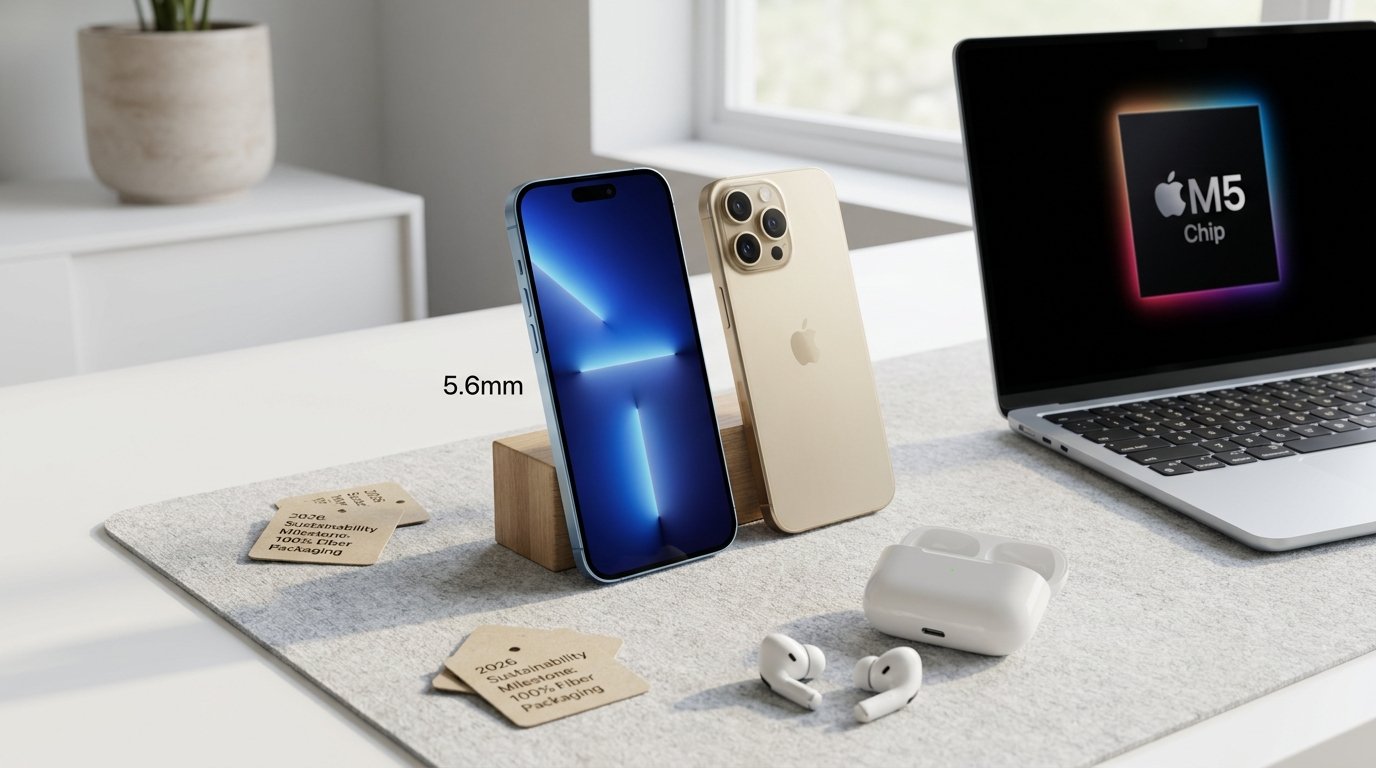
Apple Buying Guide 2026
Choosing the right technology can feel like a full-time job. In 2026, Apple’s lineup is more diverse than ever, but it is also more expensive due to global memory chip shortages. Whether you are a student on a budget, a professional video editor, or someone who just wants a reliable phone that lasts, this Apple Buying Guide 2026 will help you navigate the sea of aluminum and silicon.
The State of Apple in 2026: AI and Memory
Before we dive into specific products, it is important to understand the landscape. In 2026, the biggest trend is “Apple Intelligence”—Apple’s on-device AI agent. Because these AI features require a lot of power, Apple has increased the base RAM (memory) in many of its devices, which has unfortunately led to price hikes across the board.
However, Apple is also making massive strides in sustainability. By 2026, every Apple product ships in 100% fiber-based packaging, and many devices use 100% recycled cobalt in their batteries.
iPhone: The 2026 Lineup
The iPhone remains the heart of the Apple ecosystem. In 2026, the strategy is simple: buy the model that fits your actual daily needs, not your ego.
1. The Gold Standard: iPhone 17
The iPhone 17 is the phone most people should buy in 2026. It is widely considered the “Gold Standard” for value because it finally brought “Pro” features to the standard model.
- Key Features: 120Hz ProMotion display (smoother scrolling), A19 chip, 256GB base storage, and significantly improved battery life (up to 30 hours of video).
- Why it’s a win: It won’t be replaced until Spring 2027, making it a very “safe” purchase right now.
2. The Budget Champion: iPhone 17e
If $800 is too much, the iPhone 17e launched in March 2026 at $599.
- The Trade-off: You get the powerful A19 chip and 256GB of storage, but you only get one 48MP camera lens and an older-style display with a notch.
- Who it’s for: People who want a fast, reliable phone that will get software updates until the 2030s but don’t care about fancy camera zoom.
3. The Specialist: iPhone Air
The iPhone Air is a brand-new category. It is the thinnest iPhone ever made (only 5.6mm thick!).
- The Gimmick: It looks like a piece of jewelry with a polished titanium frame.
- The Reality: Because it is so thin, the battery life is slightly worse than the iPhone 17, and it only has one rear camera. At $999, it is a “luxury” niche device for people who want something that stands out.
4. The Powerhouses: iPhone 17 Pro and Pro Max
For those who need the “absolute ceiling” of performance, the Pro models offer a triple 48MP camera setup and the A19 Pro chip. However, with the iPhone 18 Pro expected in September 2026, you might want to wait if you’re planning to drop $1,100+.
iPhone Comparison Table 2026
| Model | Price | Display | Storage | Best For |
|---|---|---|---|---|
| iPhone 17e | $599 | 6.1″ (60Hz) | 256GB | Budget buyers |
| iPhone 17 | $799 | 6.3″ (120Hz) | 256GB | The vast majority of users |
| iPhone Air | $999 | 6.5″ (120Hz) | 256GB | Design lovers / Light users |
| iPhone 17 Pro | $1,099 | 6.3″ (120Hz) | 256GB | Power users / Photographers |
Pro Tip: Avoid the brand-new iPhone 16 in 2026. It only has 128GB of storage and a much worse battery compared to the 17 series for a similar price.
About TheGadgetNet
At TheGadgetNet, we strive to provide the most up-to-date and honest tech reviews for the American consumer. We know that choosing a new device is a major investment. Our goal is to cut through the marketing fluff and give you the “inside information” you need to spend your money wisely. From the latest iPhone rumors to deep dives into MacBook performance, www.thegadgetnet.com is your home for all things Apple.
MacBook: Which Laptop Reigns Supreme?
The MacBook lineup has seen some major shifts in 2026. Apple has increased prices, but they have also doubled the starting RAM to 16GB on many models to handle new AI tasks.
1. Best for Students: MacBook Neo
The MacBook Neo is the new “entry-level” king, starting at $699 ($599 with a student discount).
- Pros: It is lightweight, has a great keyboard/trackpad, and handles web browsing and schoolwork easily.
- Cons: It uses an A18 Pro chip (essentially a phone chip) and lacks MagSafe charging.
2. Best for Most People: MacBook Air (M5)
For 90% of people, the MacBook Air is the smartest purchase.
- Performance: The M5 chip is incredibly fast and the laptop stays completely silent because it has no fans.
- Value: Even though the price increased to $1,299, it now comes with 16GB of RAM and 512GB of storage, which used to cost much more as an upgrade.
3. Best for Professionals: MacBook Pro (M5 Pro/Max)
If you are a professional video editor or AI researcher, the MacBook Pro is still the king.
- The Screen: It features a 120Hz ProMotion display that is much brighter than the Air.
- Wait or Buy? Apple is expected to launch an OLED MacBook Pro in late 2026 or early 2027. If you want the best screen technology ever in a laptop, you might want to wait a few more months.
MacBook Pros and Cons
MacBook Air (M5)
- Pros: Best battery life, lightweight, silent, great value.
- Cons: Limited ports, no ProMotion display.
MacBook Pro (M5 Pro)
- Pros: Incredible performance, tons of ports, beautiful 120Hz screen.
- Cons: Expensive, heavier than the Air.
iPad: Finding the “Sweet Spot”
The iPad lineup can be confusing because the features overlap so much. In 2026, there are four main models.
1. The iPad Air: The “Sweet Spot”
For most buyers, the iPad Air (M4) strikes the perfect balance. It supports the Apple Pencil Pro and Magic Keyboard, and the M4 chip handles everything from photo editing to gaming without breaking a sweat.
2. The iPad mini: The Specialist
The iPad mini (A17 Pro) is built for one-handed use. It is perfect for commuters who read on the train or doctors who need a device that fits in a lab coat pocket.
3. The iPad Pro: The Overkill
The iPad Pro (M5) is the thinnest Apple product ever and features a stunning Ultra Retina XDR display. However, it is “genuinely overkill” for most people. Only buy this if you are a professional illustrator or video editor who needs the absolute ceiling of iPad performance.
Audio: The AirPods Pro 3 Upgrade
If you are looking for new headphones, the AirPods Pro 3 are the standout choice in 2026.
- Top Upgrades:
- USB-C Charging: Finally matches the rest of the Apple lineup.
- Better ANC: The Active Noise Cancellation is so good the “outside world pretty much disappears”.
- New Silicon Tips: They are softer and more comfortable for long listening sessions.
- Seamless Switching: Moving between your iPhone, iPad, and Mac is now instant and “bug-free”.
The Used and Refurbished Market
Because Apple products are so expensive, the used market is a great way to save money.
- Top Used Pick: Look for an iPhone 15 Pro or 16 Pro on sites like eBay for around $500–$600. They offer “Pro luxury” almost identical to the newest models.
- Extreme Budget: The iPhone SE (3rd Gen) can be found for as low as $100. It’s great for light users or seniors, but the battery life is “real bad”.
Used Market Checklist
- iCloud Lock: Ensure the device is not locked to a previous owner’s account.
- Clean IMEI: Check that the phone hasn’t been reported stolen.
- Battery Health: Go to Settings -> Battery. Ideally, you want this in the high 80s at a minimum.
Summary: What Should You Buy?
- Best Overall iPhone: iPhone 17.
- Best Value iPhone: Used iPhone 15 Pro.
- Best Laptop for Most: MacBook Air (M5).
- Best Budget Laptop: MacBook Neo.
- Best iPad: iPad Air (M4).
- Best Wireless Earbuds: AirPods Pro 3.
FAQs (Frequently Asked Questions)
1. Is the iPhone 17 really better than the iPhone 16? Yes. The iPhone 17 has double the base storage, a much smoother 120Hz display, and roughly 8 hours more battery life.
2. Should I buy a MacBook Pro for school? Probably not. For 90% of students, the MacBook Air handles everything (browsing, writing, light editing) and costs $700 less.
3. Does the iPhone Air have a good camera? It has a great 48MP main camera, but it lacks an ultrawide lens, which means you can’t take those “zoomed out” landscape shots.
4. Will my old AirPods work with the new iPhones? Yes, but the AirPods Pro 3 offer much better noise cancellation and the convenience of USB-C charging.
5. Is Apple actually carbon neutral? Apple is currently carbon neutral for its corporate operations and aims to be carbon neutral for its entire supply chain by 2030.
This Apple Buying Guide 2026 is designed to be your one-stop resource. For more news and reviews, keep checking back at www.thegadgetnet.com. We are here to help you stay ahead of the curve!

