
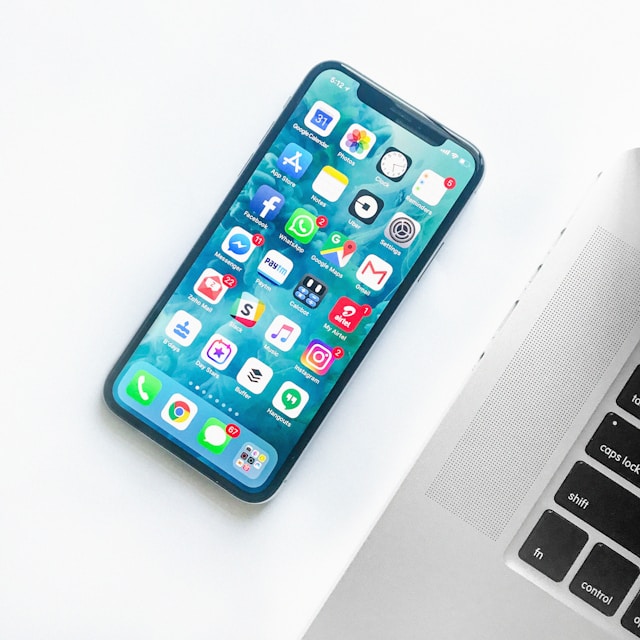
Smartphone battery life remains one of the most important aspects of daily use. Even the most powerful devices can be frustrating if they don’t last a full day on a single charge. In 2026, with faster processors, high-refresh-rate displays, and 5G connectivity, managing battery life has become even more critical. Whether you have a flagship phone or a budget device, understanding how to optimize battery performance can help you get the most out of your smartphone. This article provides practical and effective battery life tips for your smartphone to keep it running efficiently throughout the day.
1. Adjust Screen Brightness and Display Settings
The display is one of the biggest consumers of battery power. High brightness levels, high-resolution settings, and fast refresh rates can significantly drain your battery. Consider lowering the brightness or enabling adaptive brightness, which adjusts automatically based on ambient lighting conditions. Additionally, reducing the screen resolution or refresh rate when high performance is not needed can conserve energy without compromising usability. AMOLED screens benefit from dark mode settings, as pixels display less light when showing darker colors, resulting in lower power consumption.
2. Manage Connectivity Features
Wi-Fi, Bluetooth, GPS, and 5G connections are essential for modern smartphones but can also be battery-intensive. Use Wi-Fi whenever possible, as it consumes less power than mobile data. Turn off Bluetooth and GPS when not in use, or enable location services only for apps that require them. While 5G offers faster speeds and lower latency, it can consume more battery than 4G in areas with weak coverage. Many devices now offer smart 5G switching, which automatically reduces power usage by switching to 4G when full 5G performance isn’t needed.
3. Limit Background App Activity
Apps running in the background continuously use resources, including battery power. Review which apps are allowed to run in the background and disable unnecessary ones. Most smartphones provide battery optimization tools that identify apps draining excessive power. Notifications can also wake your phone frequently; limiting push notifications for non-essential apps can help preserve battery life. Closing apps manually is usually unnecessary, but disabling background activity for specific apps can make a noticeable difference.
4. Use Battery Saver or Low Power Modes
Modern smartphones include battery saver or low power modes that extend usage by adjusting performance and background activity. These modes typically reduce processor speed, limit background data usage, and disable some visual effects to conserve energy. Activating battery saver in situations where you know you’ll need your phone for extended periods, such as travel or long workdays, can prevent unexpected shutdowns. Flagship phones may offer intelligent adaptive modes that adjust settings automatically based on usage patterns.
5. Optimize App Usage
Certain apps, such as streaming services, social media, and games, consume more battery than others. Limiting extended use of these apps or closing them when finished can reduce battery drain. Offline options, like downloading music or videos instead of streaming continuously, can help preserve battery. Additionally, some apps have in-app settings to reduce battery usage, such as lowering video resolution or disabling automatic updates.
6. Keep Your Phone Cool
Excessive heat can negatively impact battery performance and long-term health. Avoid exposing your smartphone to direct sunlight for prolonged periods, and remove cases that trap heat during intensive tasks like gaming or charging. High temperatures accelerate battery degradation and can reduce the overall lifespan of your device. Using the phone in moderate conditions and allowing it to cool when overheating occurs helps maintain optimal battery health.
7. Manage Software Updates Wisely
Keeping your smartphone’s software up to date ensures access to the latest performance improvements and battery optimizations. Manufacturers often release updates that improve energy efficiency and fix bugs affecting battery life. While it’s important to stay updated, avoid installing updates during times when you need maximum battery performance, as some updates temporarily increase power usage during installation and initial setup.
8. Limit Widgets and Live Wallpapers
Widgets and live wallpapers are convenient and visually appealing but constantly update and refresh data, consuming power. Consider using static wallpapers and minimizing the number of active widgets on your home screen. Widgets that update frequently, such as weather, news, or stock apps, can have a surprisingly large impact on battery life. Streamlining your home screen setup contributes to lower overall energy consumption.
9. Charge Smartly
Battery longevity depends not only on usage but also on charging habits. Avoid letting your phone battery drop to 0% regularly, as deep discharges can degrade battery health over time. Similarly, frequent exposure to 100% charging for extended periods may accelerate battery wear. Many smartphones now offer optimized charging features that learn your routine and slow charging when the battery reaches full capacity until you need it, helping extend battery lifespan. Using certified chargers and cables also ensures safe and efficient charging.
10. Monitor Battery Health
Most modern smartphones include tools to monitor battery health and usage statistics. Regularly checking battery status can help you identify apps or settings that are consuming excessive power. It also alerts you if the battery is degrading and may need replacement. Staying informed about battery performance allows you to make adjustments before battery issues become critical, maintaining consistent performance and reliability.
11. Reduce Animations and Visual Effects
Animations, transitions, and visual effects enhance the user experience but require processing power and energy. Reducing or disabling animations through developer settings or accessibility options can slightly reduce battery consumption. This is especially effective on older devices or budget smartphones where processing power is more limited, helping maintain smoother operation while conserving energy.
12. Use Airplane Mode When Necessary
Airplane mode disables all wireless communication, significantly reducing battery drain. Activating airplane mode in areas with weak signals, during long periods of inactivity, or while sleeping can preserve battery power. While this limits connectivity, it is a simple and effective strategy when maximizing battery life is essential.
Conclusion
Extending smartphone battery life in 2026 requires a combination of smart usage habits and leveraging built-in optimization features. Adjusting display settings, managing connectivity, limiting background activity, and charging responsibly are some of the most effective strategies. Whether you use a flagship device with advanced battery management tools or a budget smartphone with limited optimization, following these tips can help ensure your phone lasts throughout the day and maintains long-term health. By understanding how your smartphone consumes energy and applying these practical strategies, you can enjoy a more reliable and consistent mobile experience without constantly worrying about running out of power.

